NBI Online Registration and Appointment
The Complete 2026 Guide
Before anyone can get an NBI clearance whether for the first time or as a renewal there is one step that comes first: creating an account and booking an appointment through the official NBI portal. This part of the process trips up more people than the actual branch visit does mostly because a few small mistakes during registration can carry through the rest of the application without the applicant even noticing.
This guide walks through the registration and appointment process from the very beginning in plain language so you know exactly what to expect before you sit down to fill out the form yourself.
For a better understanding of NBI Clearance explore our NBI Clearance Blog for helpful guides, related topics and useful updates. You can also refer to official NBI resources for the latest and most accurate information.
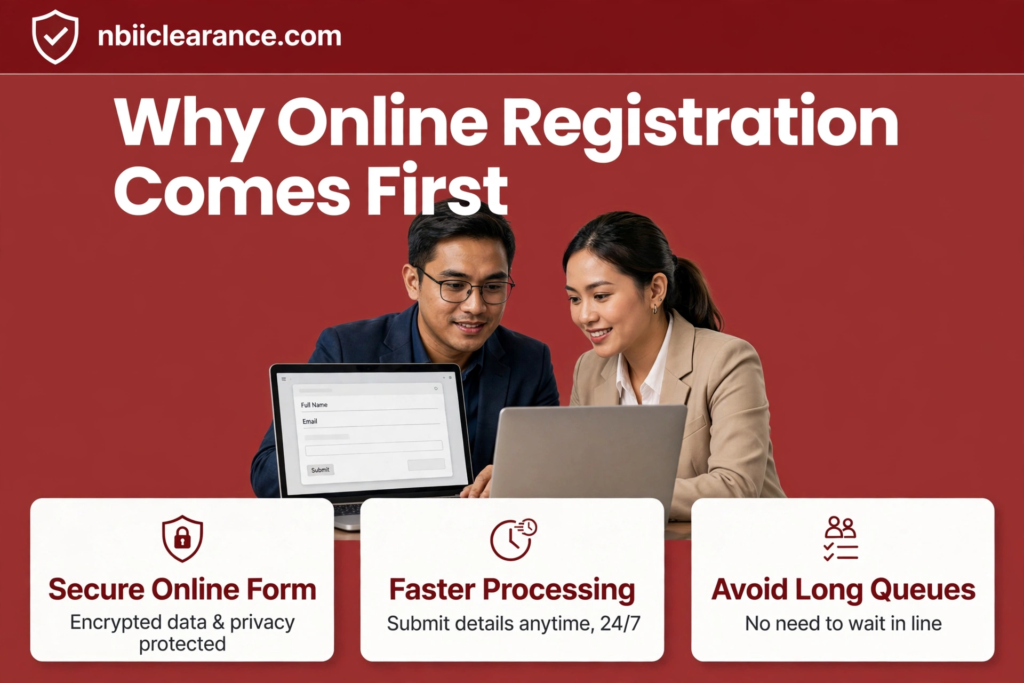
Why Online Registration Comes First
The NBI moved most of its clearance process online a few years ago and registration is the foundation everything else is built on. Your account is where your personal details, application history payment records and appointment schedule all live. Without it there is no way to book a slot at a branch since walk-ins without a confirmed appointment are turned away at most locations nationwide.
Think of registration as opening a folder that the NBI will keep updated every time you apply or renew. The more accurately that folder is filled out the first time the fewer problems you run into later whether that is next month or three years from now when it is time to renew.
What You Need Before You Register
Gathering a few things beforehand makes the registration form much faster to complete.
| What You Need | Why It Matters |
|---|---|
| A working email address | Used to create your account and receive confirmations. |
| A valid government ID | Needed to confirm your identity details match official records. |
| Your complete current address | Required for your profile and for any delivery option later. |
| A device with stable internet | The portal works best on a full browser rather than a weak mobile connection. |
A Philippine passport, UMID drivers license PRC ID or PhilSys national ID all work well as your reference ID when filling in personal details. Having it next to you while you fill out the form helps you avoid typos since you can copy details directly instead of relying on memory. For the latest and official information, please visit the official NBI website.
Creating Your NBI Online Account
Step-by-Step
Here is how the registration itself works from the first click to a fully verified account.
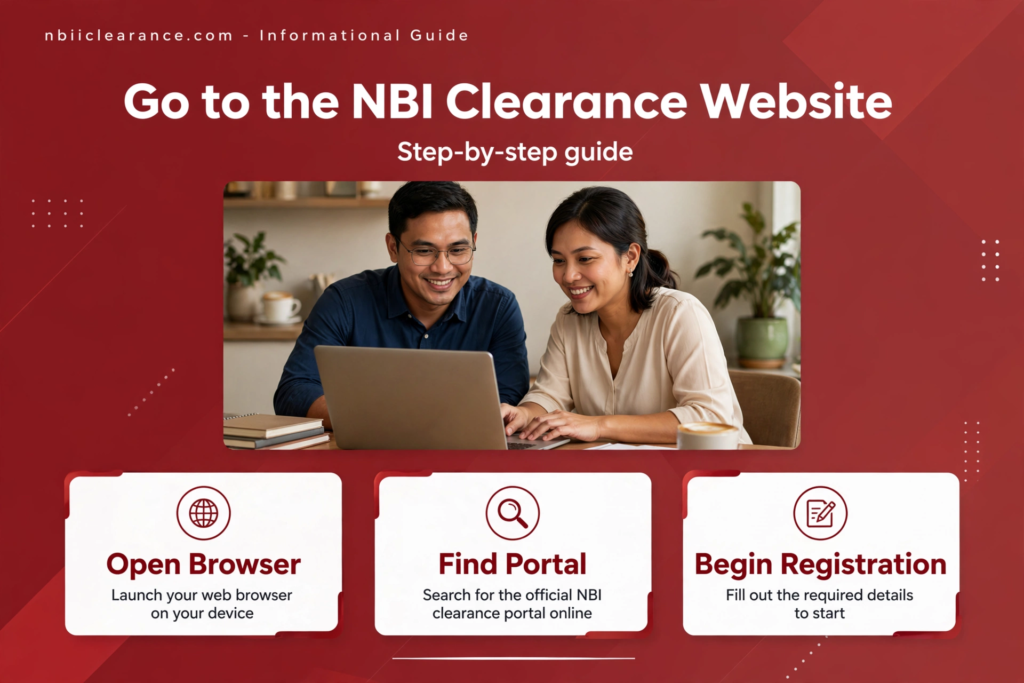
Go to the official NBI Clearance website
Type the address directly into your browser rather than clicking a link from social media or an unfamiliar page since fake versions of government sites do exist and often look convincing at first glance.
Select the option to register a new account.
You will usually see this clearly labeled on the homepage separate from the login button used by returning applicants.
Enter your email address and create a password
Choose a password you will actually remember since you will likely need this account again next year for renewal. Avoid using the same password you use for your email itself for basic security reasons.
Check your inbox for a verification link
The portal sends a confirmation email almost immediately. Click the link inside it to activate your account. If nothing arrives within a few minutes check your spam or junk folder before assuming something went wrong.
Log in and complete your personal information
This includes your full legal name, middle name birthdate, birthplace sex, civil status and current address. Every field here should match your valid ID exactly since this data becomes the permanent record the NBI checks against for every future clearance or renewal.
Upload or confirm your ID details if prompted
Some versions of the portal ask you to enter your ID number and type during registration itself rather than waiting until your appointment.
Save your login details somewhere safe
A password manager, a secure note or even a written copy kept somewhere private all work. Forgetting your login later means going through a password reset which adds an extra step you can easily avoid.
Common Registration Mistakes to Avoid
A handful of errors account for most of the registration problems applicants run into and nearly all of them are easy to prevent with a little care.
Typing your name differently than how it appears on your ID for example leaving out a middle name or using a nickname is one of the most common issues since it can cause a mismatch later when the system checks your details against your ID at the branch. Using an email address you rarely check is another frequent mistake, since important updates about your appointment or application status get sent there. Rushing through the birthdate field is a smaller but surprisingly common problem too particularly on mobile devices where date pickers can be easy to misuse without noticing the wrong month or day got selected.
Taking an extra minute to review every field before submitting your registration form is honestly the simplest way to avoid almost all of these issues.
Booking Your NBI Appointment
Once your account is active and your personal details are saved the next step is scheduling your actual appointment at an NBI branch.
Choose "Apply for Clearance" from your dashboard
This starts the appointment booking flow whether you are applying for the first time or renewing an existing clearance.
Select your purpose
You will be asked why you need the clearance such as local employment overseas employment travel or another legal purpose. This does not change your fee but it does get printed on your final certificate.
Pick your preferred NBI branch
You are not limited to the branch closest to your home. Some applicants choose a branch near their workplace instead or one they know tends to have shorter lines as long as it is convenient enough to actually reach on the appointment day.
Choose an available date and time
The system will only show open slots so if your preferred date is full you will need to pick another. Early morning slots at branches inside malls or business districts tend to fill up first sometimes days or weeks in advance so booking early gives you more flexibility.
Review your appointment summary
Double-check the branch date and time before confirming since changing an appointment after payment involves a few extra steps compared to simply choosing correctly the first time.
Proceed to payment
Appointments are generally not considered confirmed until payment has gone through so this step needs to be completed before your slot is locked in
Paying for Your Appointment
Payment can usually be completed through a handful of channels including GCash Maya online banking apps and over-the-counter options like 7-Eleven or other accredited payment centers. Whichever channel you pick, save your receipt and reference number immediately after paying ideally as a screenshot rather than relying solely on a confirmation email that could take time to arrive.
Your appointment reference number is particularly important. It is what you will use if you ever need to reschedule, cancel or follow up on a payment that has not been reflected properly in your account. Losing it does not mean your record disappears but it does make resolving any issue slower and more frustrating than it needs to be.
What Happens After You Book
Once your appointment is confirmed you do not need to do anything else until the scheduled date aside from keeping your confirmation details somewhere accessible. On the day itself bring a valid government ID and your proof of payment to the branch. Staff will check you in to confirm your details match your account and proceed with capturing your photo fingerprints and signature.
If everything checks out and there is no match against an existing record in the database your clearance is typically printed and released the same day. If a partial match often called a hit, does come up you will be told that additional verification is needed which usually adds a few extra business days rather than being an immediate problem.
Rescheduling or Cancelling an Appointment
Plans change and the portal accounts for that. If you can no longer make your scheduled date log into your account find the appointment under your active applications and look for a reschedule option. If it is available selecting a new date and time is usually enough and your original payment typically carries over without needing to be paid again.
If a reschedule option does not appear your original slot may have already lapsed particularly if a fair amount of time has passed since it was missed. In that case checking your payment status first is worthwhile since a confirmed payment is often still valid even when a fresh appointment needs to be booked. Canceling works in a similar way through the same active applications section and simply removes your reserved slot without necessarily canceling your entire registration or payment record
Registering and Booking From Outside the Philippines
Filipinos living or working abroad can go through the same online registration process without needing to visit a branch in the Philippines first. The account creation steps are identical since the portal itself does not require you to be physically present in the country to register.
Where things differ slightly is at the appointment stage. Applicants abroad typically choose between having their clearance delivered internationally once it is processed or having someone they trust pick it up on their behalf at a Philippine branch provided that person can present the necessary authorization and identification. Coordinating with the nearest Philippine Embassy or Consulate becomes necessary mainly when personal details need correcting since that kind of verification cannot be handled remotely through the portal alone
Registration for First-Time Applicants vs Returning Applicants
New applicants and returning applicants both go through registration but the experience looks a little different for each group.
| First-Time Applicant | Returning Applicant | |
|---|---|---|
| Account Status | Needs to create a brand-new account | Logs into an existing account |
| Personal Information | Entered completely from scratch | Pre-filled from previous records and reviewed for accuracy |
| Appointment Type | Books as a new application | Can choose renewal if eligible |
| Biometric Data | Captured for the first time at the branch | Already on file, though renewal may still require a visit |
.Returning applicants generally move through the process faster simply because less information needs to be typed in manually but the accuracy check at each step matters just as much for both groups.
Keeping Your Account Secure
Since your NBI account holds sensitive personal information including your full legal name, birthdate and address it is worth treating it with the same care you would give an online banking account. Use a password that is not easily guessed, avoid logging in through public or shared computers when possible and always log out after finishing your session particularly if you are using a shared device.
Be cautious of any website message or email claiming to speed up your NBI application in exchange for a separate fee or your login details. The official NBI portal does not require payment outside of its own listed channels and legitimate government communication will never ask for your password directly
Frequently Asked Questions
Do I need to register online even if I plan to apply in person?
In most cases yes. Nearly all branches require a confirmed appointment booked through the portal before accepting an applicant so registration is usually the starting point regardless of how you plan to complete the rest of the process.
Can I use the same account for future renewals?
Yes. Your account is meant to be reused every time you need a new clearance which is exactly what makes the renewal process faster than starting fresh each year.
What if I already registered years ago but forgot my login details?
Use the forgot password link on the login page to reset your password through your registered email. If you no longer have access to that email address, contacting NBI support directly is the safest way to recover your account.
Can I change my appointment branch after booking?
This typically requires canceling the original appointment and booking a new one at your preferred branch rather than simply editing the existing slot so it helps to choose carefully the first time if possible.
Is there a deadline for booking an appointment after registering?
There is generally no strict deadline for registration itself but if you have already paid for a specific appointment slot that slot does expire if you do not show up or reschedule within the allowed window.
What should I do if the portal shows an error during registration?
Try refreshing the page or using a different browser first since minor technical glitches are fairly common on high-traffic days. If the issue continues, clearing your browser cache or trying again later usually resolves it and persistent errors are worth reporting directly to NBI support.
Can two people share one NBI account?
No. Each applicant needs a separate account tied to their own email address and personal details since the account is meant to represent one individual identity and clearance history.
Do I need to bring anything on the day I register since it is done online?
Registration itself does not require a branch visit, only your appointment does. Keep a valid ID nearby while registering so your entered details match it exactly and bring that same ID with you on your actual appointment day.
Final Thoughts
Getting your NBI online registration and appointment right from the start saves far more time than it seems to at first. A clean accurate account means fewer surprises down the road whether that is at your first biometrics appointment or years later when it is time to renew. Take the extra few minutes to double-check every field, keep your login details and reference numbers somewhere safe and book your appointment with enough lead time to have options if your first choice fills up.
Portal features and requirements are occasionally updated by the NBI so it is worth confirming any current details on the official website close to the date you plan to register, especially if you are relying on information that is more than a few months old.
Information last reviewed August 2026. Requirements and portal features may change over time; always confirm current details on the official NBI Clearance website.
Pingback: NBI Clearance Requirements List 2026 (Updated Checklist)